
The Best Fluffy Pancakes recipe you will fall in love with. Full of tips and tricks to help you make the best pancakes.

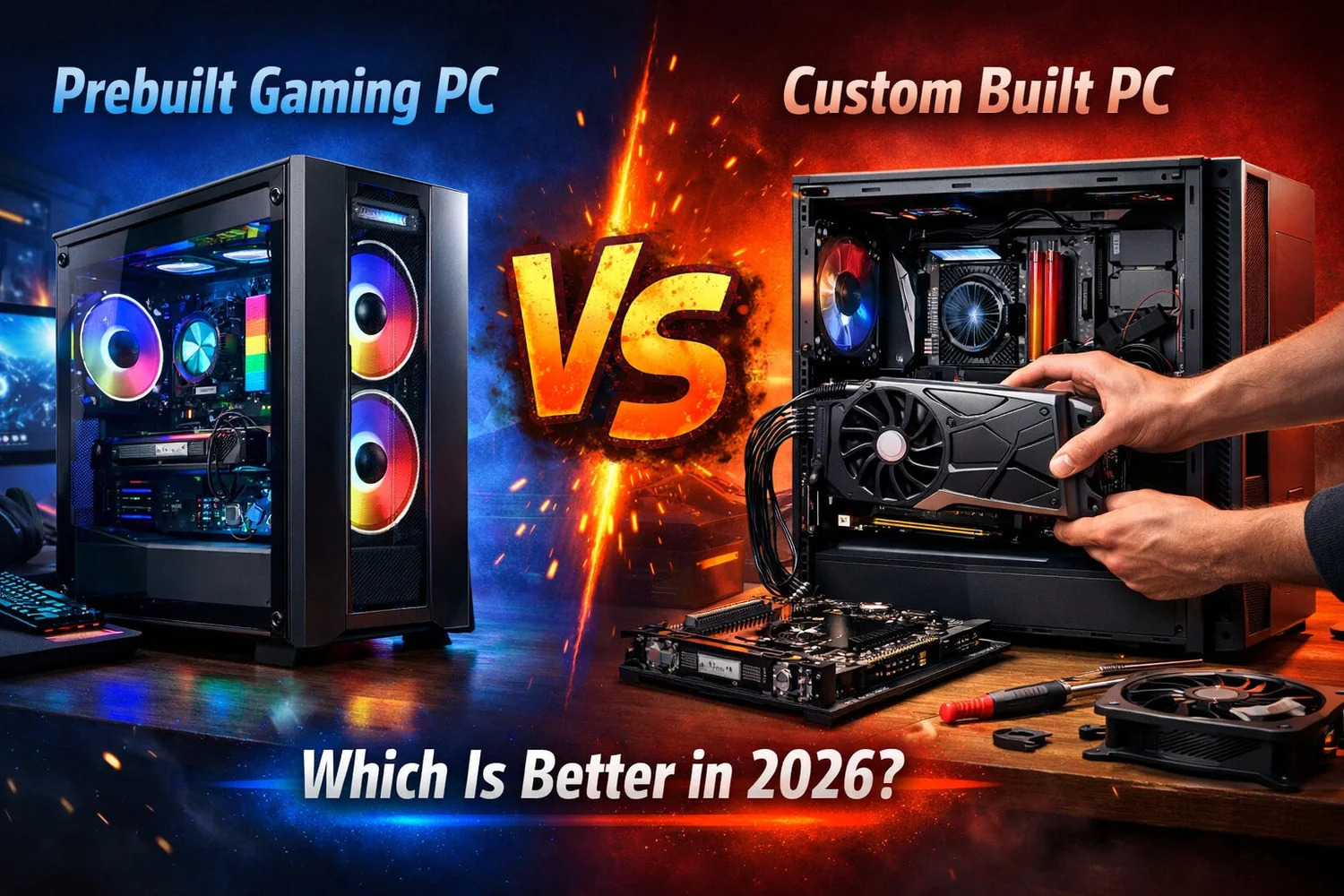
Buying a gaming PC in 2026 means navigating more choices than ever — prebuilt systems from major brands, boutique system integrators, or building one yourself from individual parts. Each path has real trade-offs in cost, warranty, and customization, and the “best” choice depends heavily on your budget, technical comfort level, and what you’re actually planning to play.
This guide breaks down how to think about buying a gaming PC in 2026 — what specs genuinely matter, how to set a realistic budget, and whether prebuilt or custom building makes more sense for you.
Prebuilt vs. Custom Build: The Core Decision
Prebuilt PCs come fully assembled, tested, and backed by a manufacturer warranty covering the whole system. They’re the simpler, lower-risk option, especially for first-time buyers who don’t want to research individual component compatibility. The trade-off is typically a higher price for equivalent specs, since you’re paying for assembly, testing, and warranty support built into the price.
Custom builds let you choose every individual component, often resulting in better price-to-performance for the same budget, since you’re not paying assembly labor costs. The trade-off is time, research, and the technical risk of self-assembly — a botched build can damage expensive components, and troubleshooting issues falls entirely on you rather than a manufacturer’s support line.
A middle ground: boutique system integrators build custom-spec PCs to order, combining more component choice than typical prebuilts with the safety net of professional assembly and warranty support, usually at a price between mass-market prebuilts and fully DIY builds.
Setting a Realistic Gaming PC Budget
Rather than starting with “what’s the best gaming PC,” it’s more useful to start with what you’re actually trying to play and at what settings, since requirements vary enormously between casual esports titles and demanding AAA games at high settings.
Entry-Level Tier (Budget-Focused)
Suitable for esports titles (competitive shooters, MOBAs) and older or less demanding AAA games at 1080p, typically at medium-to-high settings. This tier prioritizes a capable mid-range GPU and enough RAM to avoid bottlenecks, without overspending on features you won’t use at this resolution.
Mid-Range Tier (Where Most People Actually Land)
Handles most current AAA games at 1080p or 1440p with high settings, and is genuinely the sweet spot for the majority of PC gamers, balancing strong performance with reasonable cost. This is generally the tier worth researching most carefully, since GPU pricing and performance shift meaningfully within it year to year.
High-End Tier
Built for 1440p or 4K gaming at maximum settings, high refresh rates, or ray tracing-heavy titles. This tier sees diminishing returns relative to cost — the jump in real-world visual quality from mid-range to high-end is often smaller than the price jump suggests, which is worth keeping in mind if budget is a real constraint.
What Specs Actually Matter (and What’s Overrated)
GPU (Graphics Card): If you only remember one rule from this guide, make it this one — the GPU does most of the heavy lifting for how a game actually looks and runs. This is where the majority of your budget should go if gaming is the PC’s primary purpose, since it has the largest direct impact on frame rates and visual settings.
CPU (Processor): Matters more than many buyers assume, particularly for competitive games with high frame rate targets, since a weak CPU can bottleneck even a powerful GPU. …dropping most of your budget on a flagship CPU while cheaping out on the GPU is a classic beginner mistake — the games won’t care how fast your processor is if the graphics card can’t keep up
RAM: 16GB has become the practical baseline for gaming in 2026, with 32GB increasingly common for users who also stream, multitask heavily, or play the most demanding recent titles. More than that rarely provides a noticeable gaming benefit unless you’re also doing intensive non-gaming work on the same machine.
Storage: An SSD (solid-state drive) rather than a traditional hard drive is essential for reasonable load times in modern games — this isn’t really optional at this point, even on a budget build. NVMe SSDs offer faster speeds than SATA SSDs, though the real-world gaming difference between the two is smaller than raw benchmark numbers suggest.
Cooling and case airflow: Often overlooked, but genuinely important — a system that overheats will throttle performance regardless of how powerful its components are on paper. This matters more in smaller, more compact case designs, which have become increasingly popular but sacrifice some airflow compared to larger towers.
Matching Your PC to a Monitor Refresh Rate
A high-end gaming PC capable of pushing well over 100 frames per second provides limited real-world benefit if it’s paired with a standard 60Hz monitor, since the display itself becomes the bottleneck regardless of how much performance the PC can generate. Higher refresh rate monitors (144Hz, 165Hz, and beyond) let you actually see and feel the smoother motion a capable gaming PC produces, particularly in fast-paced competitive games. When budgeting for a new gaming PC, it’s worth treating the monitor as part of the same purchasing decision rather than an unrelated, separate expense — an unbalanced pairing wastes money on either end.
Common Mistakes When Buying a Gaming PC
Overspending on the CPU relative to the GPU. For pure gaming performance, an unbalanced build with a high-end CPU and a mediocre GPU underperforms compared to the reverse combination at the same total price.
Ignoring the power supply unit (PSU). A cheap, low-quality PSU is one of the more common points of failure in budget builds and custom builds alike, and it’s not a place worth cutting corners to save a relatively small amount of money.
Buying more RAM or storage than you’ll realistically use. Beyond a reasonable baseline, extra RAM and storage capacity often go unused by typical gaming workloads, meaning that budget might be better spent on the GPU instead.
Not accounting for monitor and peripherals in the total budget. A powerful gaming PC paired with a low-refresh-rate monitor won’t show its full performance benefit — budgeting for a matching monitor is part of getting real value from a PC upgrade, not an afterthought.
If you’re planning out a complete gaming setup rather than just the PC itself, our guides to the best gaming mouse, best gaming keyboard, and best gaming headsets cover the peripherals that complete a setup once the PC itself is sorted out.
Should You Build Your Own PC?
Building your own PC has become considerably more approachable than it used to be, thanks to better documentation, video tutorials, and more forgiving, standardized component designs. That said, it’s still not entirely risk-free — improper installation can damage components, and troubleshooting a non-booting system requires patience and some technical comfort. If you’re building for the first time, budgeting extra time (and ideally having a knowledgeable friend or online community to consult) makes the process considerably less stressful than attempting it entirely alone.
If self-building sounds appealing but the risk feels like too much, a boutique system integrator often offers a reasonable middle ground — meaningful component choice without the assembly risk.
Upgradability: A Factor Prebuilts Sometimes Overlook
One advantage of building your own PC, or choosing a prebuilt from a reputable brand using standard components, is future upgradability — being able to swap in a new GPU or add more RAM later without replacing the entire system. Some budget and even some mid-range prebuilt PCs use proprietary parts or non-standard power supplies that limit future upgrade options, which is worth researching specifically before buying if long-term upgradability matters to you.
Frequently Asked Questions
Is a prebuilt gaming PC worth it compared to building your own? For first-time buyers who value simplicity, warranty coverage, and not dealing with component compatibility research, yes. For buyers comfortable with some technical risk who want to maximize performance per dollar, custom building typically offers better value.
How much RAM do I actually need for gaming in 2026? 16GB is a reasonable baseline for most gamers, with 32GB worth considering if you also stream, multitask heavily, or play especially demanding recent titles.
Is the GPU really the most important component for gaming? Generally yes — it has the largest direct impact on frame rates and graphical settings, and should typically receive the largest share of your budget if gaming is the system’s primary purpose.
Should I wait for new GPU releases before buying? There’s always a newer generation coming eventually, so waiting indefinitely rarely makes sense unless a specific announced release is genuinely imminent. Buying based on current, available pricing and performance for your budget tends to be more practical than trying to time the market perfectly.
Conclusion
The best gaming PC for you isn’t a single specific model — it’s the combination of budget, prebuilt vs. custom approach, and component balance (particularly GPU priority) that matches what you actually plan to play. Whether you choose a prebuilt for simplicity, a custom build for value, or a boutique system integrator for a middle ground, focusing on GPU strength, adequate RAM, an SSD, and a quality power supply will get you a genuinely capable gaming PC at nearly any budget tier.
For current, hands-on gaming PC and component reviews, PCMag’s gaming PC coverage is a reliable, up-to-date source to check current pricing and performance before buying.